LIVE Chat Translation
Install Chinese Reader Pro for reading Chinese websites, then add the LIVE chat translation tool for Chinese-English conversations. Translate incoming Chinese messages into English and prepare English replies in Chinese from the companion Chrome extension.
Built For Chinese-English Live Chat
The translator is designed for conversations where you need to understand Chinese messages quickly and answer clearly without leaving the page.
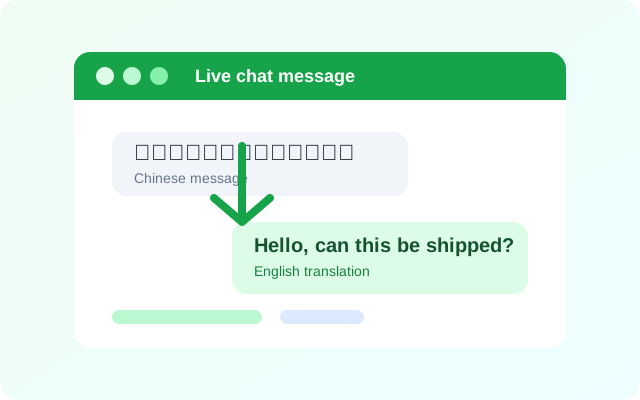
Translate text messages
Turn Chinese chat text into clear English so you can understand customer messages, personal chats, and support replies without copying text between tools.
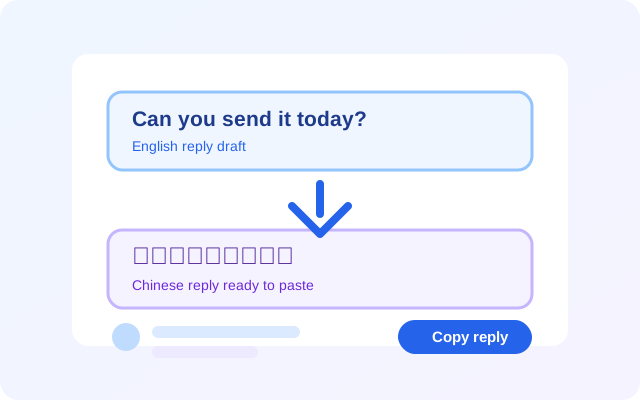
Prepare Chinese replies
Write the answer in English, translate it into Chinese, then copy the prepared message back into the conversation when you are ready to send.
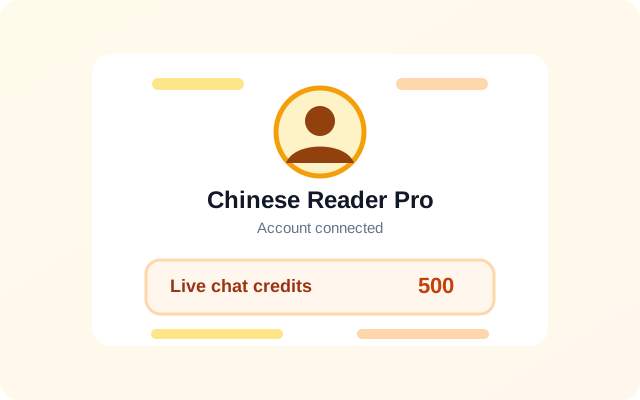
Connected account
Sign in with the same Chinese Reader Pro account used on the website, then use the separate live chat credit balance included with Pro plans.
How Live Chat Credits Work
Live chat translation uses a separate live chat credit balance. Pro plans include live chat credits, and extra credits can be added from the pricing page when the balance runs low.
Simple Workflow
Install the reader extension for Chinese websites, install the live chat translator, then sign in once with your Chinese Reader Pro account.
1. Install
Add the Chinese Reader Pro extension, then install the live chat translator from the download button above.
2. Sign in
Use your Chinese Reader Pro email and password in the extension popup to connect your account.
3. Translate
Open a Chinese-English chat, translate messages, and use your credit balance only when translation is needed.
Ready To Translate Live Chat?
Use this tool together with Chinese Reader Pro when reading Chinese websites and handling Chinese-English conversations in the browser.
Install Live Translator