Premium Features
Use credits for English Translation, AI Grammar Explain, and the Live Translation Tool for Chinese video and audio. Offline PDF and EPUB reading is available for local files.
 PDF Reader
Open the PDF Reader
- Upload a Chinese PDF file.
- Translate in English, Chinese Traditional, and Pinyin.
- Hover to see the meaning.
Current Pro & Credit Tools
Pro gives learners a flexible set of reading, translation, and study tools for Chinese websites, files, videos, and live conversations. Credits are used only for premium actions that require hosted translation or explanation services.
English Translation
Translate Chinese text into clear English while reading websites, files, and study material.
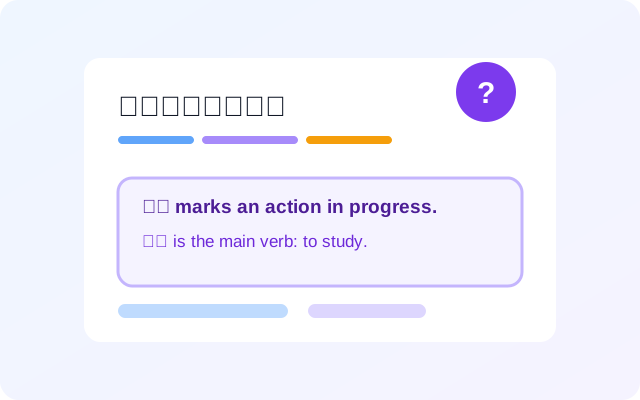
AI Grammar Explain
Get concise grammar explanations for Chinese words, phrases, and sentence patterns in context.
Offline PDF & EPUB Reader
Open local Chinese PDF, EPUB, or TXT files and use reader tools beyond ordinary webpages.
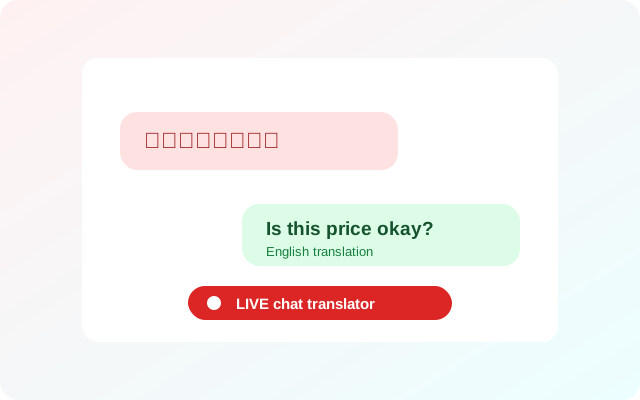
Live Chat Translation
Translate Chinese chat messages into English and prepare English replies in Chinese with live chat credits.

Live Translation Tool
Turn Chinese audio from a browser tab into study-ready captions with Chinese, pinyin, English, and Traditional Chinese.
* English translation is delayed by about 2-3 seconds.
Offline PDF & EPUB Reader
Learners often keep their Chinese material in files, not browser tabs. This feature gives those files the same reading tools as live websites.
Drag and drop files
Open local PDFs, EPUBs, and text files from the extension reader without uploading the file itself.
Interactive word lookup
Use pinyin overlays, English meaning previews, traditional Chinese, and hover dictionary popups.
Vocabulary workflow
Save words from offline material and keep using flashcards, progress tracking, and CSV export.
Live Translation Tool
Follow Chinese videos, lessons, podcasts, and other browser-tab audio as it plays. The tool listens to the active tab and builds readable caption lines designed for language learning, not just passive viewing.
* English translation is delayed by about 2-3 seconds.
Live Chinese captions
Capture spoken Chinese from tab audio and generate timed caption lines so learners can keep up with fast native content.
Learning layers
View Chinese text with pinyin, English Translation, and Traditional Chinese support in one place while the audio continues playing.
Review after listening
Use the generated transcript as study material, then export the completed captions to a TXT file for later reading and review.
Learning mode
Study Chinese videos one sentence at a time, with the video paused long enough to read and review.
Sentence-by-sentence video study
Learning mode listens to Chinese video audio, pauses after a complete sentence, and shows the sentence as Chinese text with pinyin, English translation, and Traditional Chinese. Learners can replay the current sentence, then press Play Next to continue through the video step by step.
What Credits Can Unlock
Credit packs are optional. They let learners use paid AI features without starting a subscription, and they continue to work as add-ons when Pro credits run low.